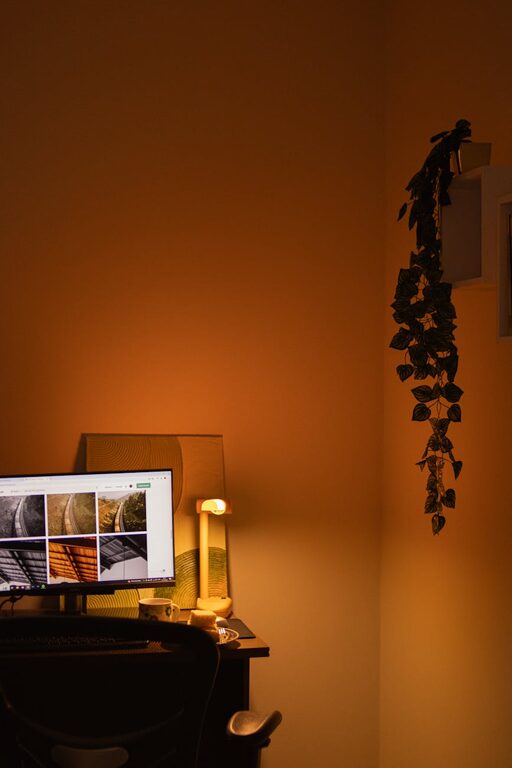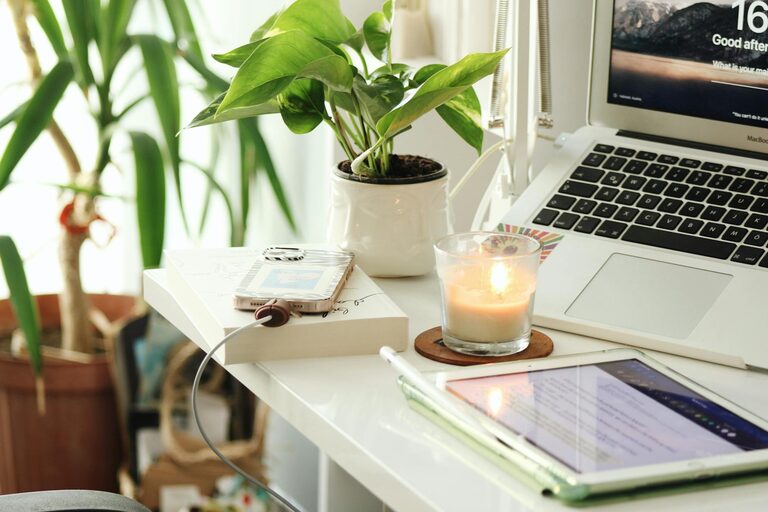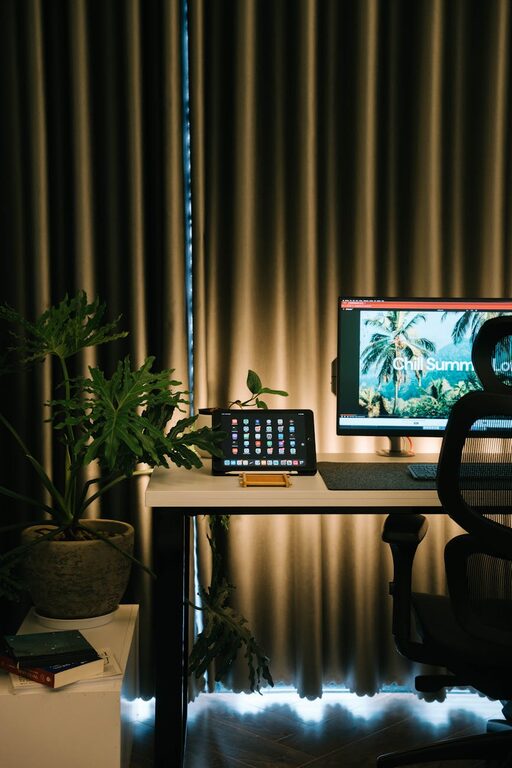
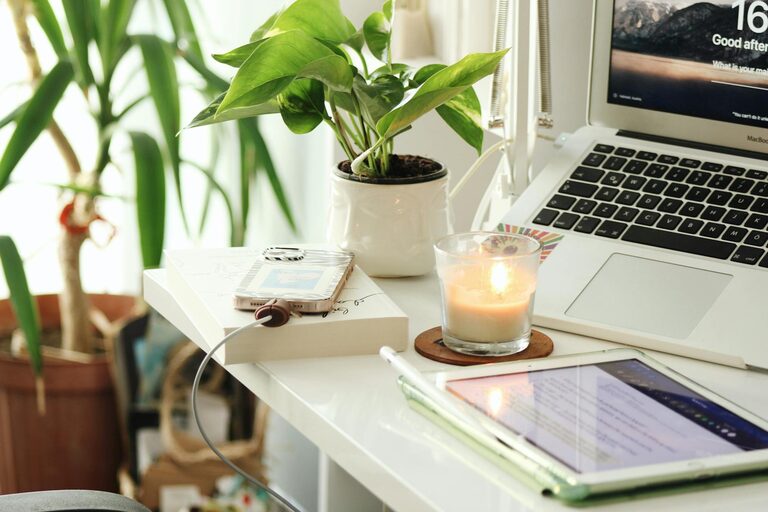
Creating a comfortable and productive home office space is essential, especially as more people work remotely or blend home and work life. A well-designed workspace not only enhances efficiency but also supports your well-being throughout the day. Whether you have a dedicated room or a small corner, these tips can help you transform any area into an effective home office.
1. Choose the Right Location
The best home office starts with selecting an appropriate spot:
– Quiet and Low-Traffic Area: Pick a place with minimal distractions to maintain focus.
– Natural Light: Aim for a space near a window to enjoy natural light, which improves mood and reduces eye strain.
– Space Availability: Ensure there’s enough room for your desk, chair, and any necessary equipment without feeling cramped.
If space is limited, consider flexible options like foldable desks or creating a multi-purpose area that can be easily tidied up.
2. Invest in Ergonomic Furniture
Comfort is key in a home office to prevent aches, pains, and fatigue:
– Chair: Use an adjustable ergonomic chair with good lumbar support to maintain proper posture.
– Desk: Choose a desk at a comfortable height. Adjustable desks or standing desks offer flexibility to alternate between sitting and standing.
– Monitor Setup: Position your computer monitor at eye level to avoid neck strain.
Taking time to get your furniture right helps you stay comfortable during long work sessions.
3. Optimize Lighting
Lighting strongly impacts productivity and eye comfort:
– Natural Light First: Use daylight as much as possible but avoid screen glare by positioning your desk perpendicular to windows.
– Task Lighting: Add a desk lamp with adjustable brightness for focused tasks.
– Ambient Lighting: Use soft overhead lights to evenly illuminate the room without harsh shadows or contrast.
Good lighting reduces eye fatigue and creates a welcoming ambiance.
4. Keep Your Office Organized
A clutter-free workspace supports clarity and efficiency:
– Storage Solutions: Use shelves, filing cabinets, or boxes to keep documents and supplies organized.
– Desk Accessories: Limit desktop items to essentials. Use trays or organizers for pens, papers, and cables.
– Digital Decluttering: Maintain a clean desktop on your computer and back up important files regularly.
A neat environment helps minimize distractions and saves time searching for items.
5. Personalize Your Space
Adding personal touches makes your office inviting and enjoyable:
– Decor: Include artwork, plants, or photos that inspire you.
– Color Choices: Choose colors that promote focus and calm. Blues and greens are popular for boosting concentration.
– Comfort Items: Have a cozy blanket or wrist rest on hand to increase comfort.
Personalizing balances professionalism with homey warmth.
6. Minimize Noise and Distractions
Reducing interruption helps maintain productivity:
– Noise Canceling: Use noise-canceling headphones or soft background music to block out sounds.
– Door or Divider: Close doors or use room dividers to separate your office from busy household areas.
– Set Boundaries: Communicate your work schedule to family or housemates to reduce unplanned interruptions.
Creating quiet signals your brain that it’s time to focus.
7. Ensure Good Technology Setup
Having reliable and efficient technology is critical:
– Internet Connection: Make sure your internet speed supports video calls and large file transfers.
– Hardware: Use necessary peripherals like a quality keyboard, mouse, and webcam.
– Cable Management: Organize cables to prevent tangling and tripping hazards.
Update and maintain your equipment regularly to avoid technical disruptions.
8. Incorporate Movement and Breaks
Encourage good health and energy by:
– Standing/Stretching: Change positions frequently; stand or stretch every hour.
– Break Area: If possible, designate a spot to step away from your desk during breaks.
– Exercise: Incorporate short walks or simple exercises into your routine.
Movement refreshes your body and mind for better productivity.
—
Final Thoughts
Creating a comfortable and productive home office doesn’t require a large budget or space. By choosing the right location, investing in ergonomic furniture, optimizing lighting, staying organized, personalizing your environment, minimizing distractions, ensuring reliable technology, and prioritizing movement, you can build a workspace that supports your best work habits. Start small, adjust based on your needs, and make your home office a place where productivity and comfort go hand in hand.