Creating a dedicated and well-organized home workspace can significantly improve your productivity and overall work experience. Whether you’re working remotely, freelancing, or just tackling personal projects, a tidy and thoughtfully arranged workspace helps you stay focused, reduces distractions, and fosters a more positive mindset. In this post, we’ll explore effective tips for organizing your home workspace that anyone can apply.
Why Organizing Your Workspace Matters
A cluttered or chaotic workspace can sap your motivation and make it harder to get things done. When your desk is filled with papers, gadgets, and random items, it’s easy to lose track of important tasks and waste time searching for what you need. On the other hand, an orderly workspace promotes mental clarity and signals to your brain that it’s time to work.
Assess Your Current Workspace
Before diving into organization, take a moment to evaluate your current setup:
– Is your desk cluttered or clean?
– Are your tools and supplies easily accessible?
– Do you have enough lighting and comfortable seating?
– Are distractions like noisy areas or phones nearby?
Answering these questions will give you an idea of what changes to prioritize.
Tips for Organizing Your Home Workspace
1. Choose the Right Location
Your workspace location matters. Select a spot in your home that is quiet, well-lit, and has minimal distractions. Ideally, it should be a designated area separate from where you relax or eat, helping you mentally switch into work mode.
2. Declutter Regularly
Remove items that don’t belong on your desk or aren’t essential for your daily tasks. Keep only what you use frequently within arm’s reach.
Tip: Set a 5-minute timer at the end of each day to clear your workspace. File papers, charge devices, and tidy up.
3. Use Storage Solutions
Invest in organizers to keep smaller items like pens, paper clips, and sticky notes in order. Drawer dividers, desk trays, or small boxes can help maintain tidy surfaces.
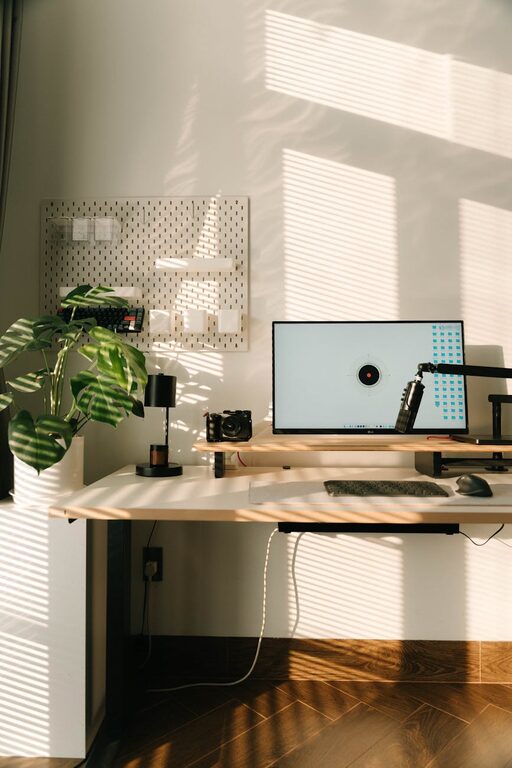
Vertical storage, such as shelves or pegboards, also frees up desk space and keeps supplies visible yet neat.
4. Optimize Your Desk Layout
Place your computer or laptop at the center or slightly off-center of your desk. Keep your keyboard, mouse, and frequently used tools directly in front of you to minimize reaching.
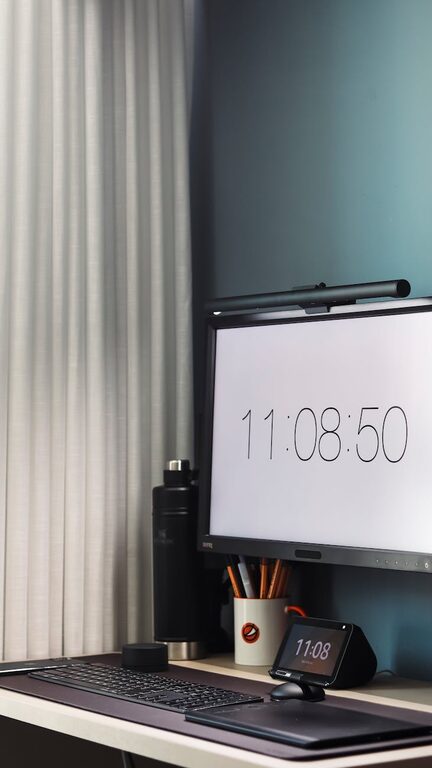
If you use multiple screens or devices, arrange them ergonomically to avoid neck or wrist strain.
5. Manage Cables and Chargers
Tangled cables create an instant mess. Use cable clips, ties, or a cable box to keep wires under control. Keeping chargers plugged in and organized reduces clutter and saves time.
6. Personalize Thoughtfully
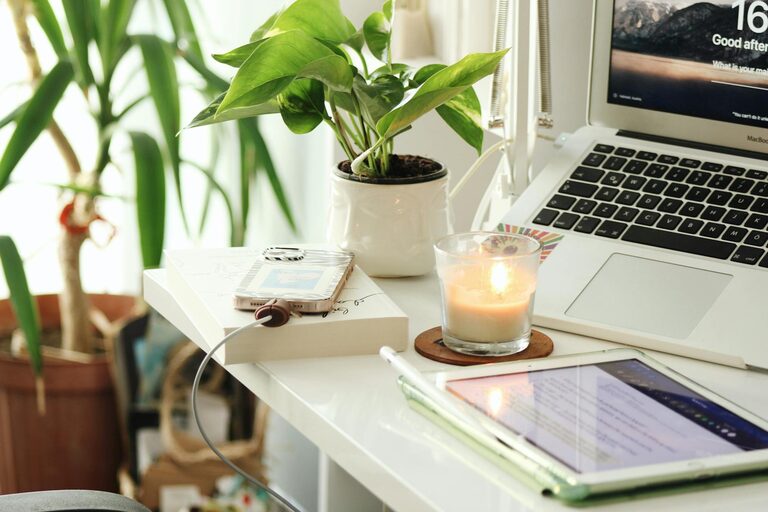
Adding a few personal touches can boost motivation, but avoid overdoing it. A plant, a photo, or an inspirational quote framed on the wall can make the space inviting without distracting you.
7. Ensure Proper Lighting
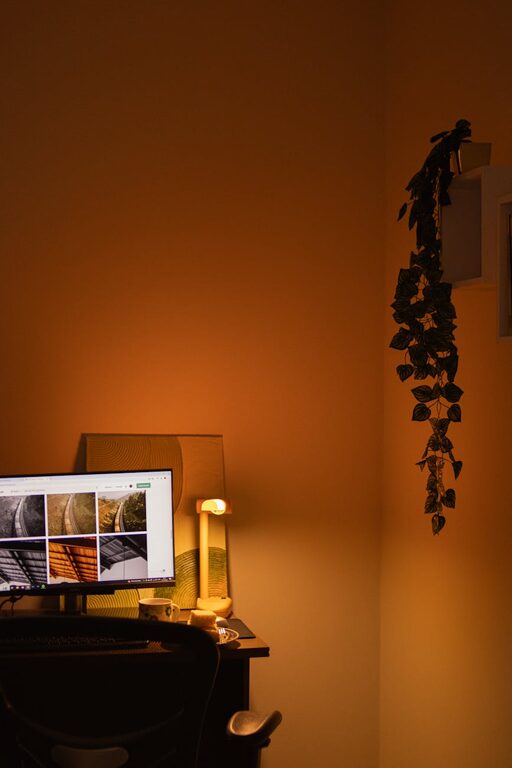
Good lighting reduces eye strain and keeps you alert. Natural light is best, so situate your desk near a window if possible. Otherwise, use a desk lamp with adjustable brightness.
8. Keep Essential Supplies Handy
Make a checklist of the supplies you use daily and keep them close. This might include notebooks, pens, headphones, or reference materials.
Avoid stockpiling unnecessary items on your desk that only add clutter.
9. Incorporate a Task or Planning System
Having a visible planner or whiteboard can help you track tasks and deadlines. Use sticky notes or digital tools to manage your to-do list, but keep these organized so they don’t multiply uncontrollably.
10. Take Breaks and Refresh the Space
Regular breaks not only boost your focus but give you a chance to tidy or reset your workspace. Refreshing the space weekly by dusting or reorganizing can maintain a pleasant work environment.
Bonus: Ergonomics for Comfort and Efficiency
An organized workspace is also a comfortable one. Consider ergonomic factors like:
– A chair that supports your back
– Desk height that aligns with your elbows when typing
– Screen positioned at eye level to avoid neck strain
Small ergonomic improvements contribute to long-lasting productivity.
Final Thoughts
Organizing your home workspace is a simple but powerful way to improve productivity and reduce stress. Start with small changes—like decluttering and rearranging your desk—and build habits that keep the space functional and inspiring. Remember, a clean, personalized, and well-lit workspace helps create the right mindset to get your best work done.
Try implementing these tips one step at a time, and enjoy the benefits of a more efficient and pleasant home workspace!